SchedulerOne
Plan appointments, people, rooms and equipment in one clear Windows calendar. Find a time that works for the resources you need, then turn it into a booking.
A local planner for your own schedule or for one person coordinating shared resources.
For Windows 10 and Windows 11 · 64-bit PC
See current price and license terms in Microsoft Store.
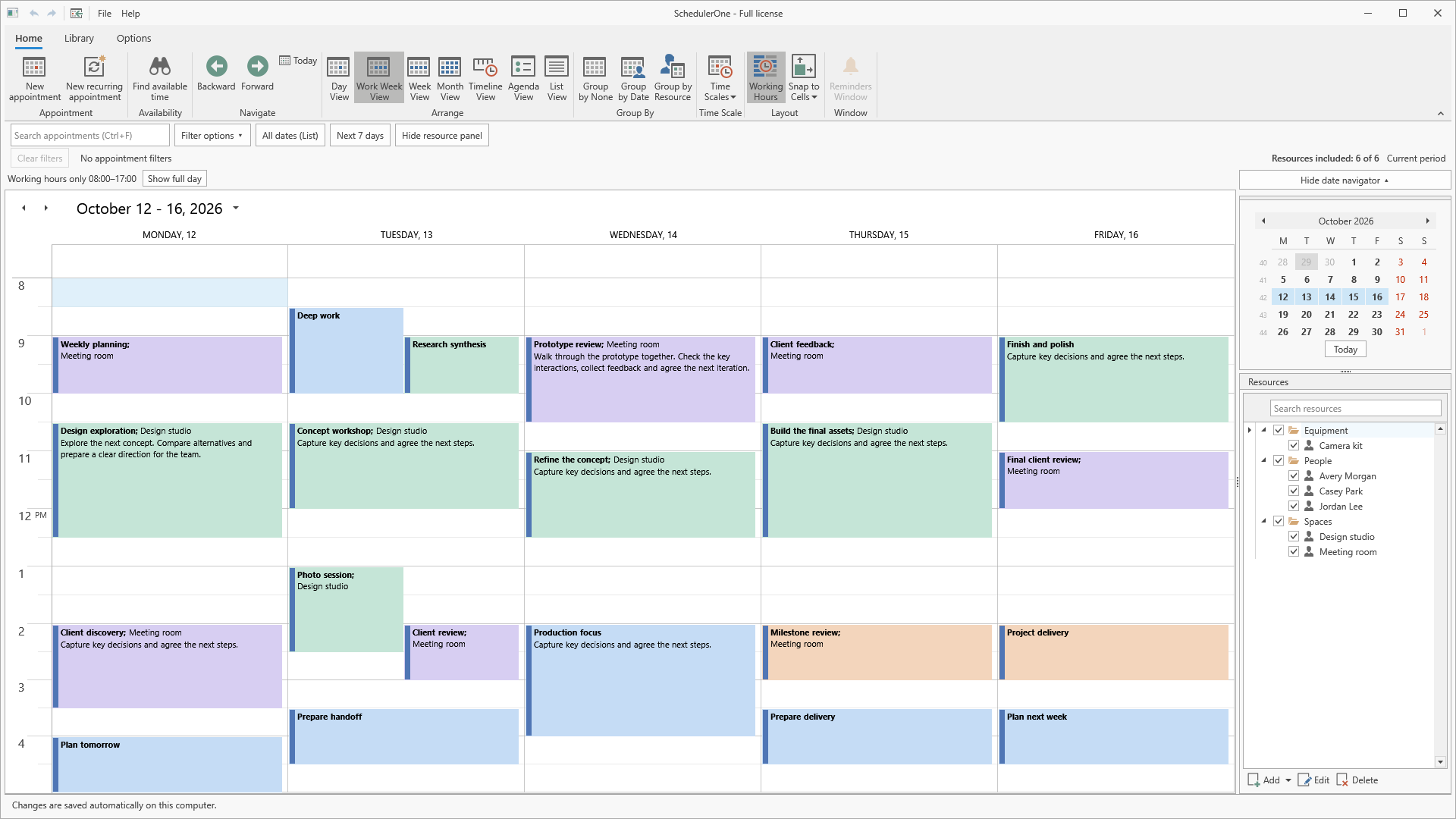
One appointment. All the resources it needs.
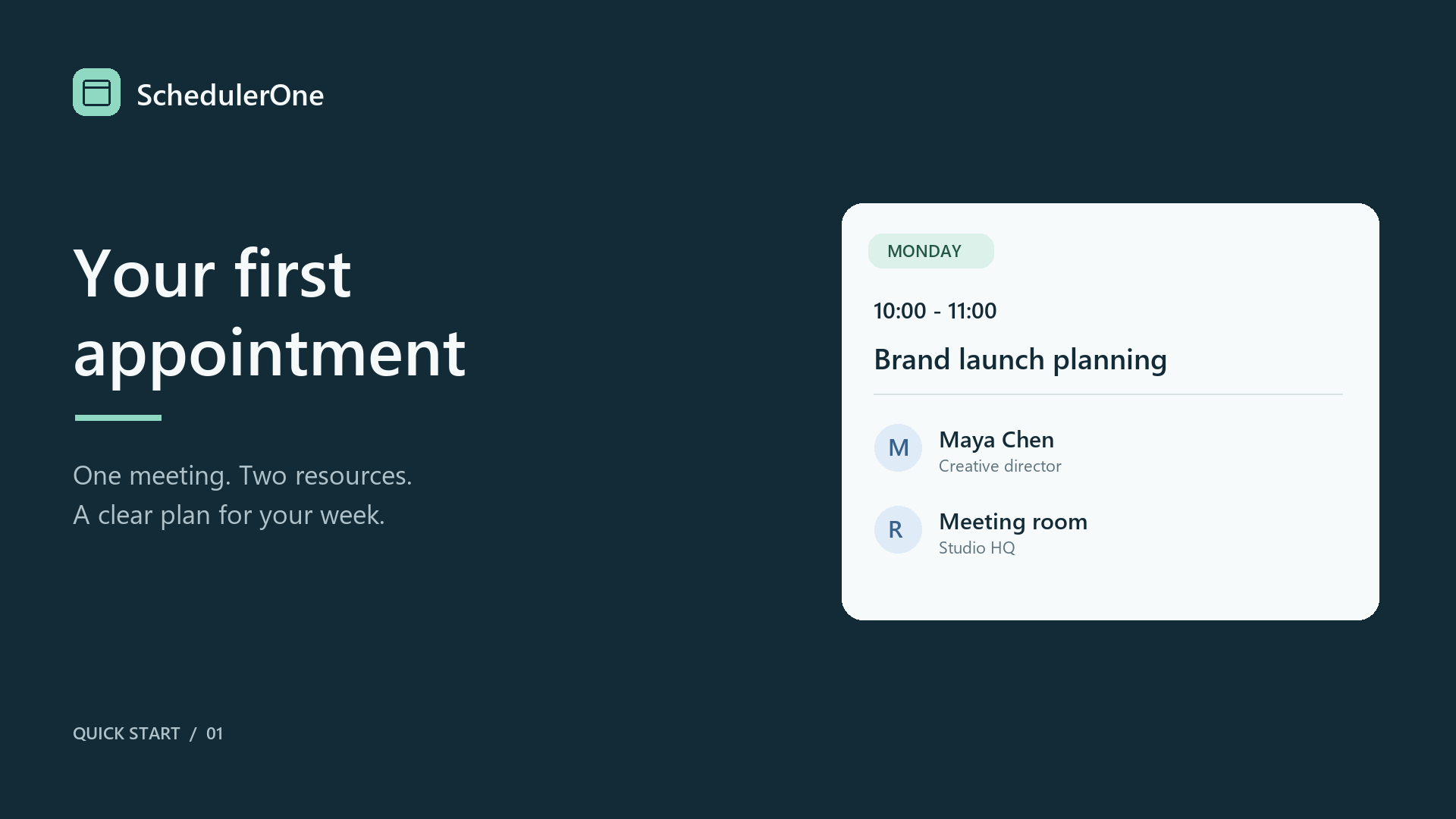
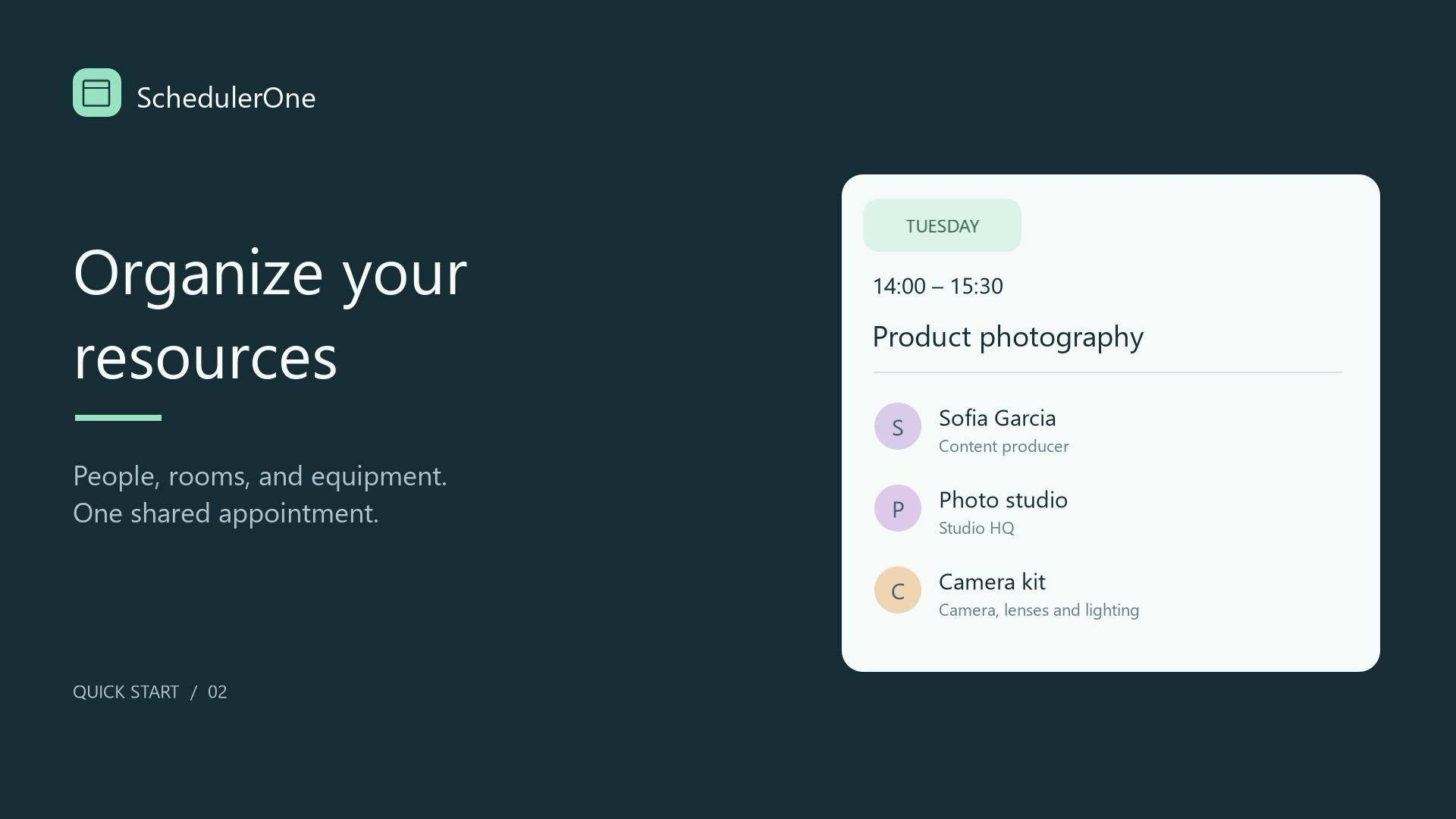
A meeting can need two people and a room. A studio session can need a space and a camera kit. Assign them to one appointment instead of maintaining a separate booking for each resource.
Organize people, rooms and equipment in folders, then compare their schedules side by side. Update the appointment once and keep its resource assignments together.
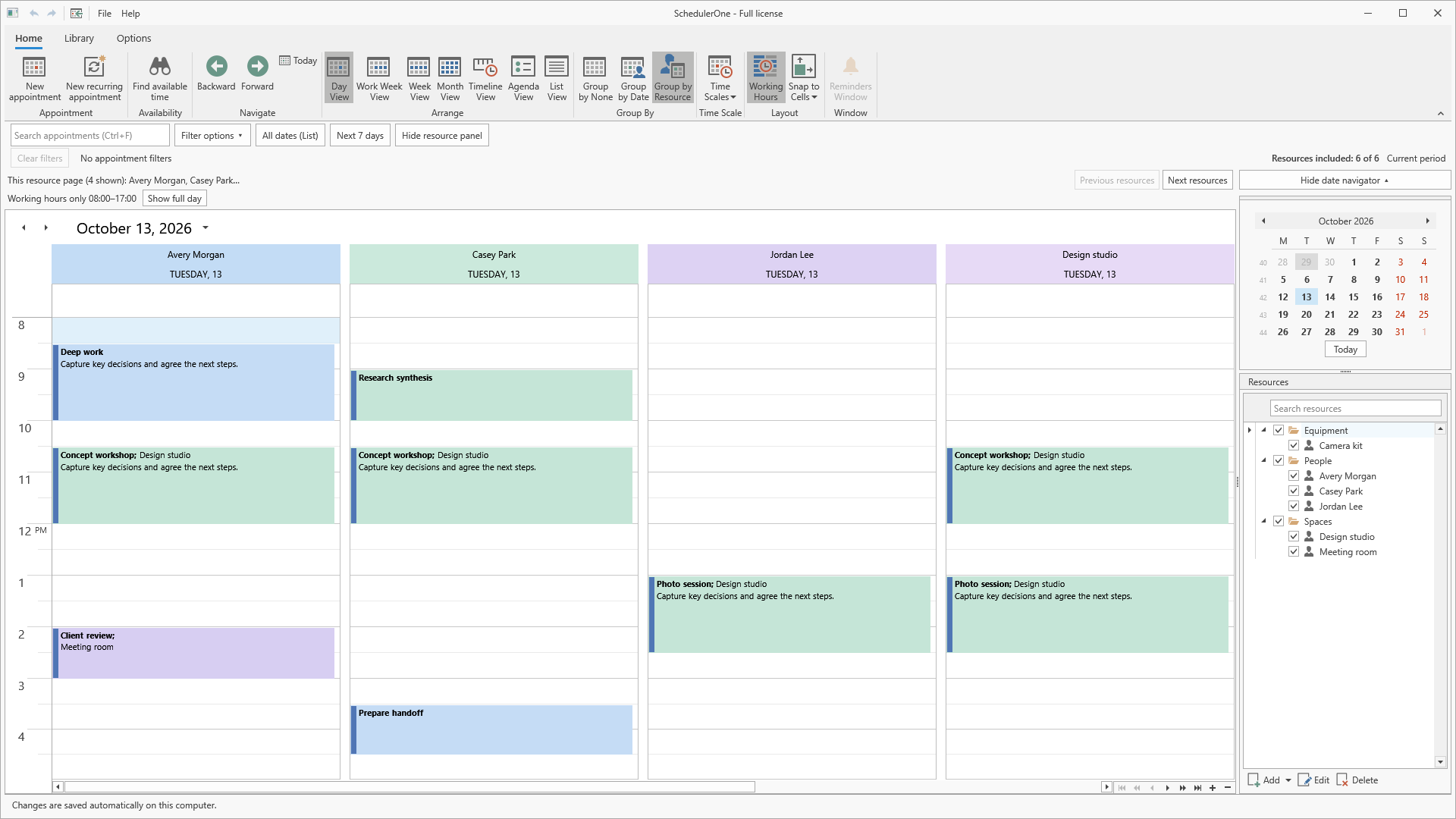
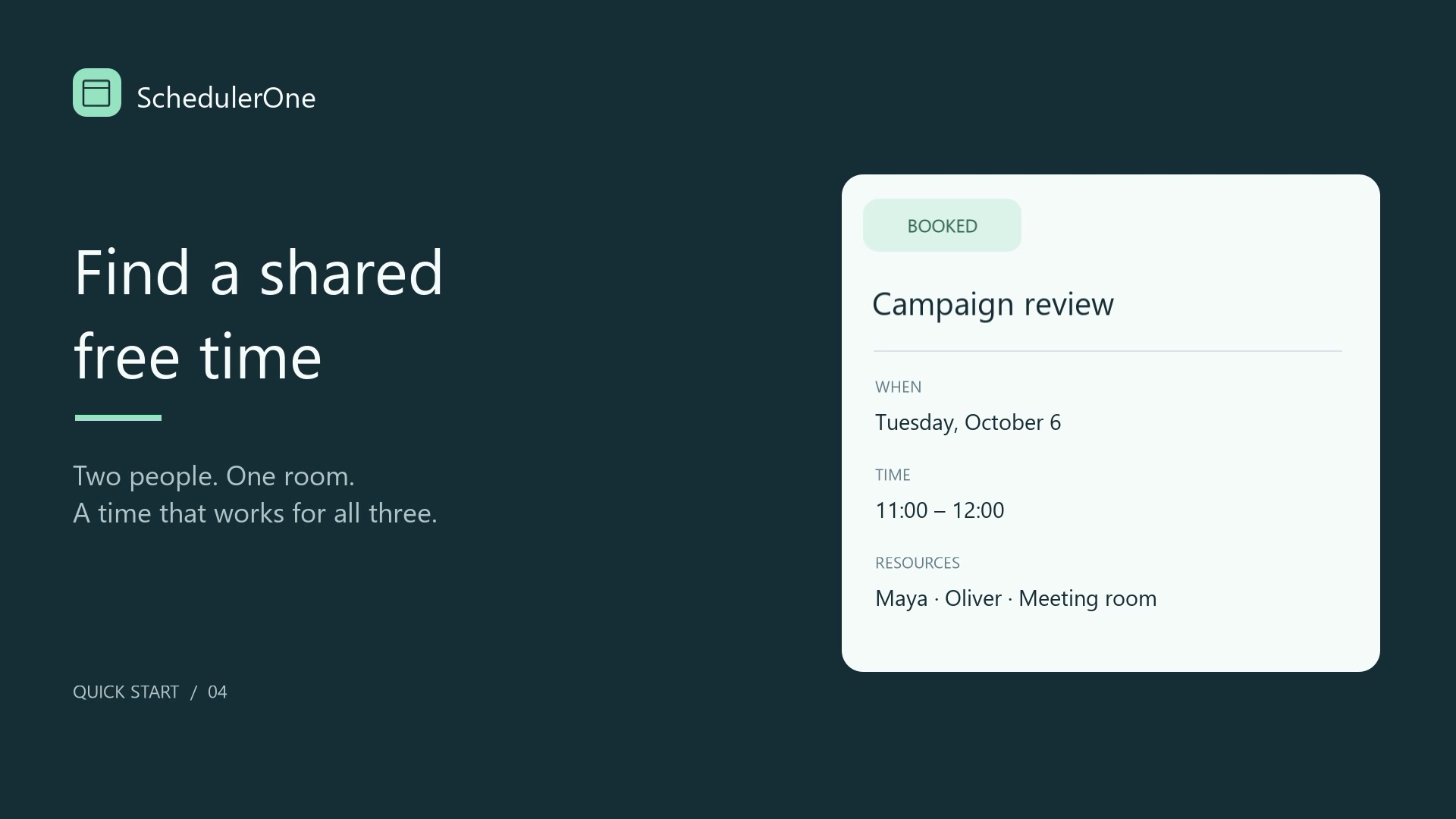
Find a time that works for everyone and everything you need.
Choose the required resources, appointment length and date range. SchedulerOne suggests common free times using the bookings in your planner and your configured working hours.
Select a proposal, review the appointment and save it. Availability is checked again when you save, so the final booking is checked against the plan rather than just an earlier search result.
- Choose the resources
- Review available times
- Create the appointment
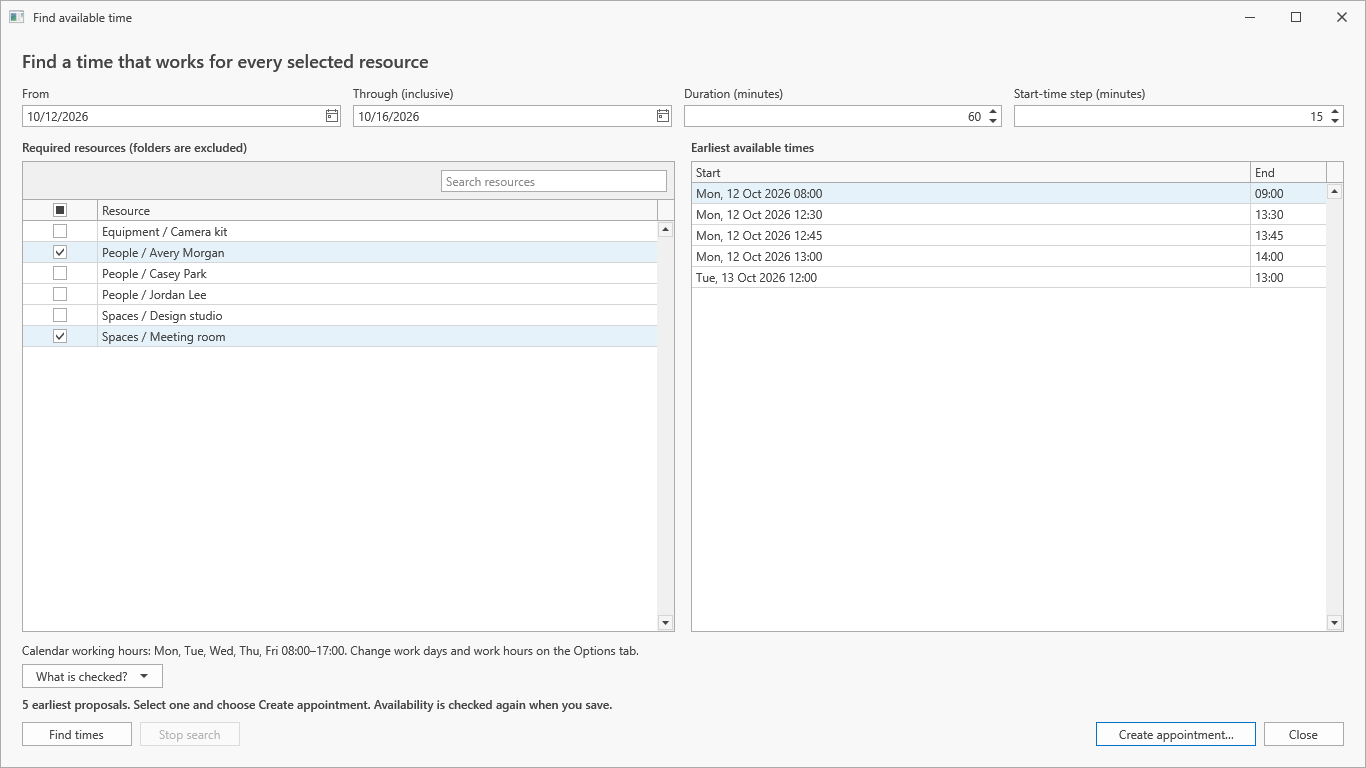
Make everyday planning easier
Choose the view that fits
Switch between Day, Work Week, Week, Month, Timeline, Agenda and List. Review a busy day, compare resource schedules or step back for a monthly overview.
Find what matters
Search appointment titles, locations and descriptions. Narrow results by label, status or completion, with active filters clearly shown and a direct way to clear them.
Reuse familiar setups
Save useful calendar views and create appointment templates for work you book regularly. Review the date, time and resources before saving a new appointment.
Keep repeating plans organized
Create recurring appointments, add descriptions and set reminders. Reminders work while SchedulerOne is running, including in the system tray.
Keep copies of your plan
Confirmed changes save automatically on your PC. Use local backup history and separate .s1 planner copies to keep saved versions of your work.
Print and exchange appointments
Print your schedule in five layouts. Exchange iCalendar files or import and export appointments with classic Outlook installed on your PC.
Take a closer look
Choose the view that suits the task. Select a screenshot to see the details.
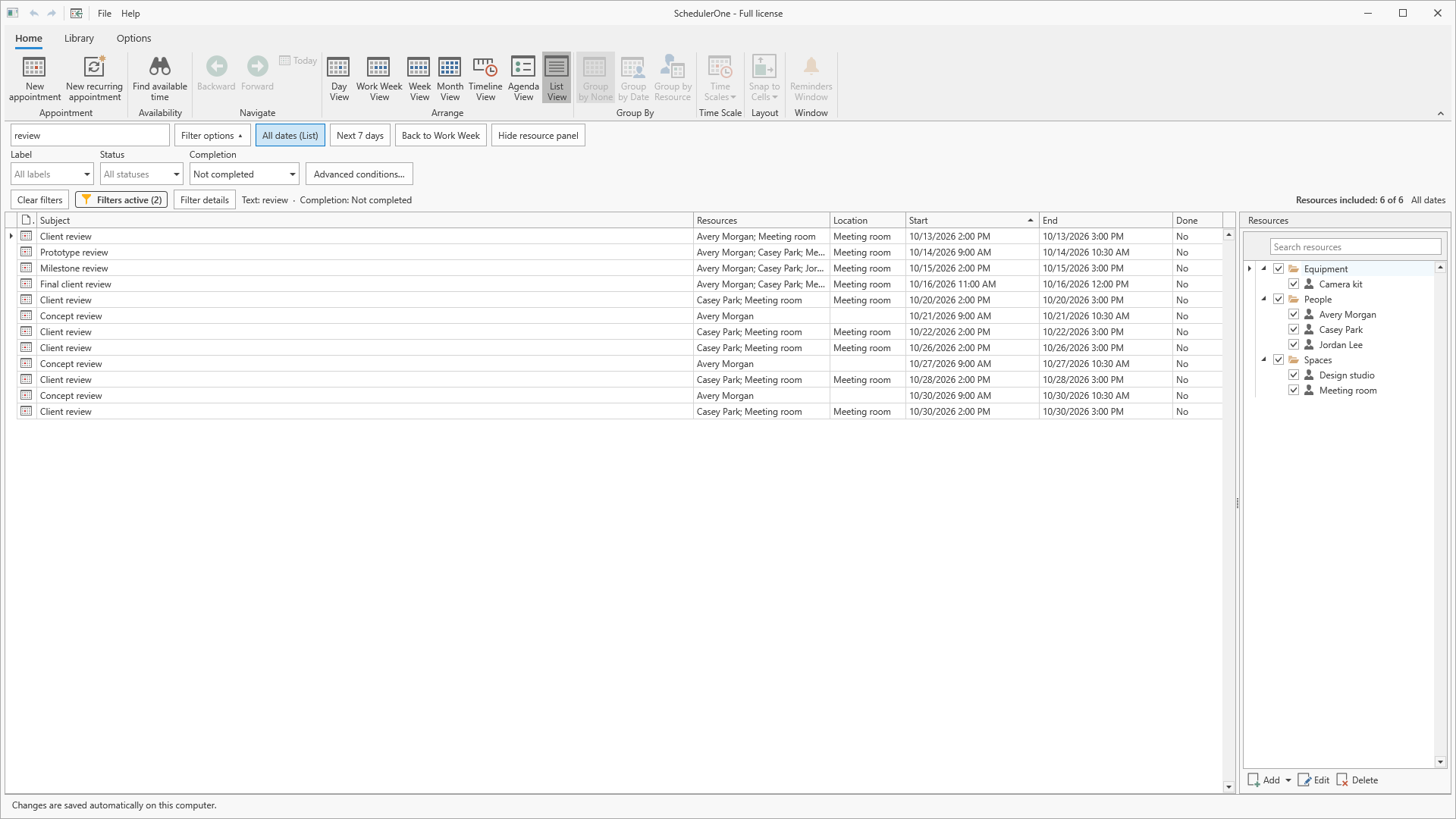
Find what matters
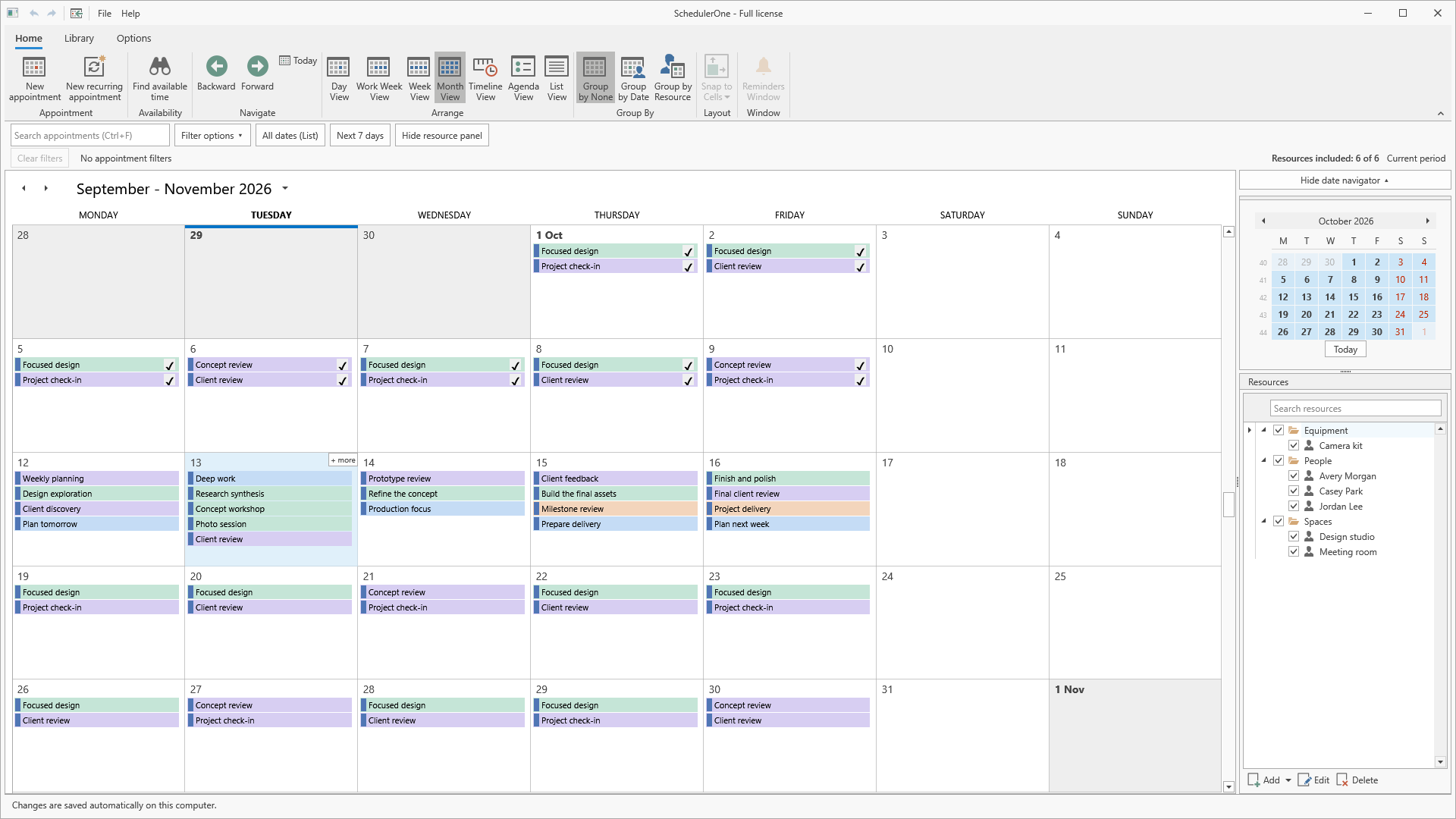
See the bigger picture
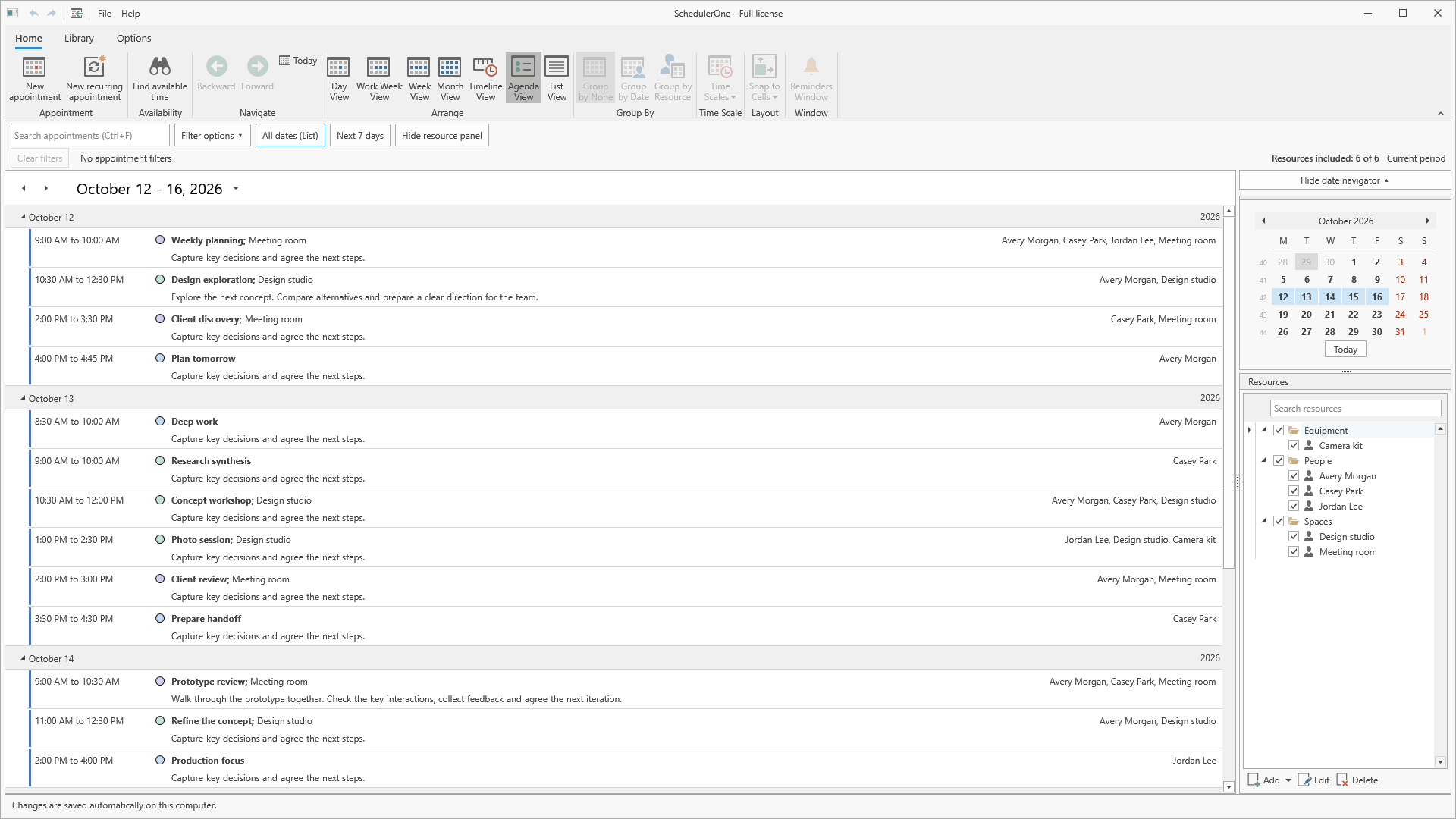
Read your agenda
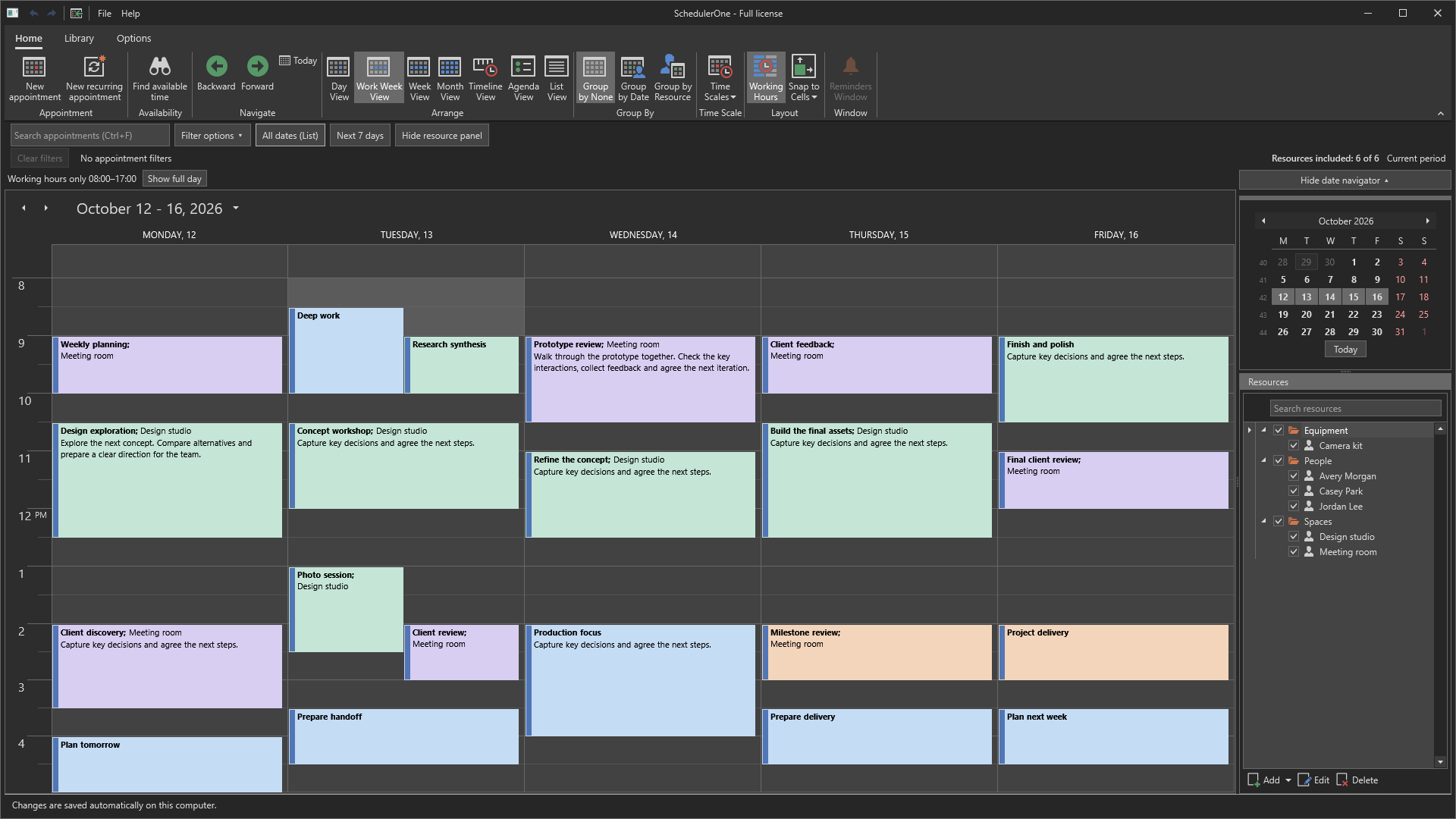
Choose a darker workspace
See SchedulerOne in action
Follow practical walkthroughs in the app, or choose a tutorial for the task you want to complete.
Common questions
Which versions of Windows are supported?
Use a 64-bit PC running Windows 10 or Windows 11. Check Microsoft Store for the current system requirements. The interface and help are in English.
Can several people edit the same planner online?
No. SchedulerOne is a single-user local planner. One person can coordinate multiple people’s schedules, rooms and equipment, but it does not provide shared online editing.
Does it work with the new Outlook?
No. Outlook import and export requires classic Outlook installed on the same PC. It is a manual exchange, not continuous synchronization with the new Outlook or Microsoft 365.
Is my planner stored locally?
Yes. Planner data and backup copies are stored on your PC. The app also uses Microsoft Store services and diagnostic reporting. See the privacy policy for details.
Bring your next week into focus
Keep appointments and resource bookings together, then find the next time that works.
For Windows 10 and Windows 11. Check the current price and license terms in Microsoft Store.